
REZEMP / WEBSITE MIGRATIONS

Website migrations.
A plan for everything that moves.
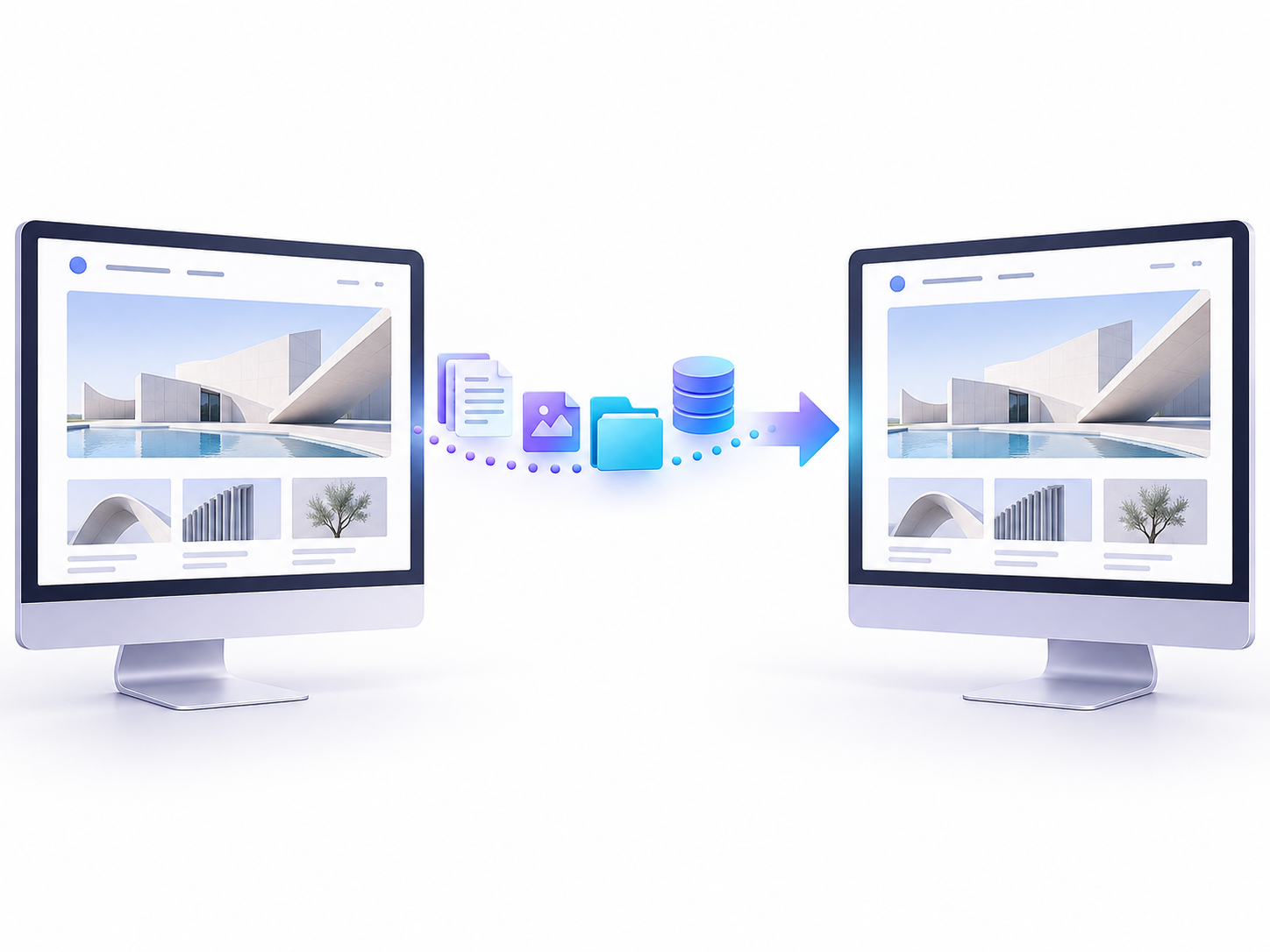
Website migrations that account for your content, URLs, data and the services connected to your site.

Plan my website migration See what Website Migrations includes
Illustrative website transfer between two matching desktop page previews
Illustrative migration concept. No downtime or search-performance outcome is promised.

THE SERVICE AT A GLANCE

Make the move with fewer unknowns.

Rezemp helps plan and carry out website migrations, including WordPress hosting moves and agreed domain or platform changes. The scope starts with what must be preserved: content, customer journeys, integrations and the URLs people already use.

01

Know what needs to move

Inventory the pages, files, data and integrations involved, with clear decisions about what is retained, changed or retired.

02

Plan the changeover

Agree the migration sequence, final checks and recovery options before the new environment replaces the old one.

03

Check beyond the homepage

Review important URLs, forms, analytics and connected services after the move, alongside the visible page layouts.

WHERE IT CAN HELP

Different moves need different migration plans.

  1. 01

    Changing your hosting provider

    Move the website files and database into a suitable environment, then test before changing the live connection. Domain records, SSL certificates, email dependencies and backup arrangements all need to be considered alongside the transfer.

  2. 02

    Changing domain or page addresses

    Prepare an inventory of existing URLs and map them to their intended destinations. Redirects, canonical URLs, internal links and sitemaps should be reviewed, with post-launch monitoring to catch missed pages or unexpected responses.

  3. 03

    Moving to WordPress or rebuilding

    Plan how content and required features will work on the destination platform. A platform change may need new templates or integrations rather than a direct copy. We scope data handling and functional checks before committing to the move.

WEBSITE MIGRATIONS SCOPE

What the work can include.

Your written proposal confirms the final deliverables, responsibilities and checks before work begins.

AreaWhat it covers
Migration scope and inventoryA list of pages, data, integrations and settings included in the move.
Backup and rollback planningA defined recovery point and a practical route back if a critical issue appears.
Staging or destination checksReview of the new environment and important journeys before cutover where possible.
URL and redirect planningMapping for changed addresses, with redirects and internal links checked as part of the scope.
Coordinated cutoverAn agreed window, responsibilities and checks for content or data changes during the move.
Post-move verificationChecks for pages, forms, links, tracking and other included integrations.
Silver server towers with network cables in a light violet studio setting
Illustrative hosting infrastructure for a planned website move.

IN PRACTICE

A hosting move with the same public website address

The plan can include a backup, transfer to the new environment and testing before traffic is switched. The team agrees how new content or orders are handled during the move, then checks the live experience after cutover. Email hosting is treated as a separate dependency rather than assumed to move with the website.

Review points
  • The inventory, cutover checklist and recovery plan
  • A URL map when addresses change
  • Post-move checks for the specific journeys included in the scope
Illustrative scenario, not a client case study.

FROM BRIEF TO HANDOVER

A clear route from idea to delivery.

  1. 01

    Map the move

    Confirm the source, destination, access, dependencies and scope.

  2. 02

    Prepare and test

    Create the recovery point, transfer the site and check the new environment.

  3. 03

    Cut over and verify

    Make the agreed switch and review the live site against the checklist.

USEFUL ANSWERS

Website Migrations FAQs

Clear answers that help define the right next step.

Can you move WordPress to a new host?

Yes, subject to reviewing the source and destination requirements, access and site dependencies.

Will a migration affect search rankings?

It can, especially if domains, URLs, content or site structure change. Planning and checks reduce avoidable mistakes but cannot guarantee that visibility will remain unchanged.

Does the migration include business email?

Not automatically. Website hosting, domain registration, DNS and email can be separate services. The proposal should identify which are included and how the others are protected.

YOUR NEXT STEP

Let’s make a plan
for your business.

Share the current and proposed platforms, the reason for moving and any deadline. Include important integrations, domain changes and whether the site takes payments or receives frequent content updates.

Plan my website migration

START WITH THE PROBLEM

Tell us what needs
to work better.

Describe the website, workflow or visibility problem. We’ll discuss the scope, dependencies and a practical next step.